How Academy11+ Works
A complete guide to setting up and using Academy11+ for your child's 11+ preparation
Quick Overview
Watch these overview videos to understand how Academy11+ works from both parent and child perspectives
Parent Account Overview
Managing your children's learning journey
Click to watch video
Create and manage child accounts
Purchase and assign learning resources
Monitor progress and analytics
Access comprehensive reports
Child Account Overview
Learning experience from a child's perspective
Click to watch video
Easy login with child credentials
Take practice tests across subjects
Submit creative writing pieces
View personalized dashboard
Ready to see the detailed step-by-step process? Scroll down to explore each stage in detail.
Parent Creates Account
Parents start by creating their own account on Academy11+. They provide their details and set up their parent dashboard to manage their children's learning journey.
Add Children & Create Child Accounts
Parents add their children to their account and create individual child accounts. Each child gets their own username, password, and personalized learning profile with their exam board and target year.
Purchase Paper Packs & Creative Writing Studio
Parents buy practice paper packs and Creative Writing Studio subscriptions, then assign these resources to their children's accounts. This gives children access to comprehensive practice materials and AI-powered writing feedback.
Children Login with Their Credentials
Children log in using their own username and password. They access their personalized dashboard with all the resources their parents have purchased for them.
Take Tests Across Various Subjects
Children take practice tests in Mathematics, English, Verbal Reasoning, and Non-Verbal Reasoning. They can choose from different difficulty levels and test modes (online or offline).
Submit Creative Writing
Children submit creative writing pieces through the Creative Writing Studio. They receive AI-powered feedback and can improve their writing skills with guided prompts and exercises.
Parents Track Progress
Parents monitor their children's progress through comprehensive reports. They can view test scores, writing submissions, time spent on practice, and detailed analytics to understand strengths and areas for improvement.
Parent Creates Account
Parents start by creating their own account on Academy11+. They provide their details and set up their parent dashboard to manage their children's learning journey.
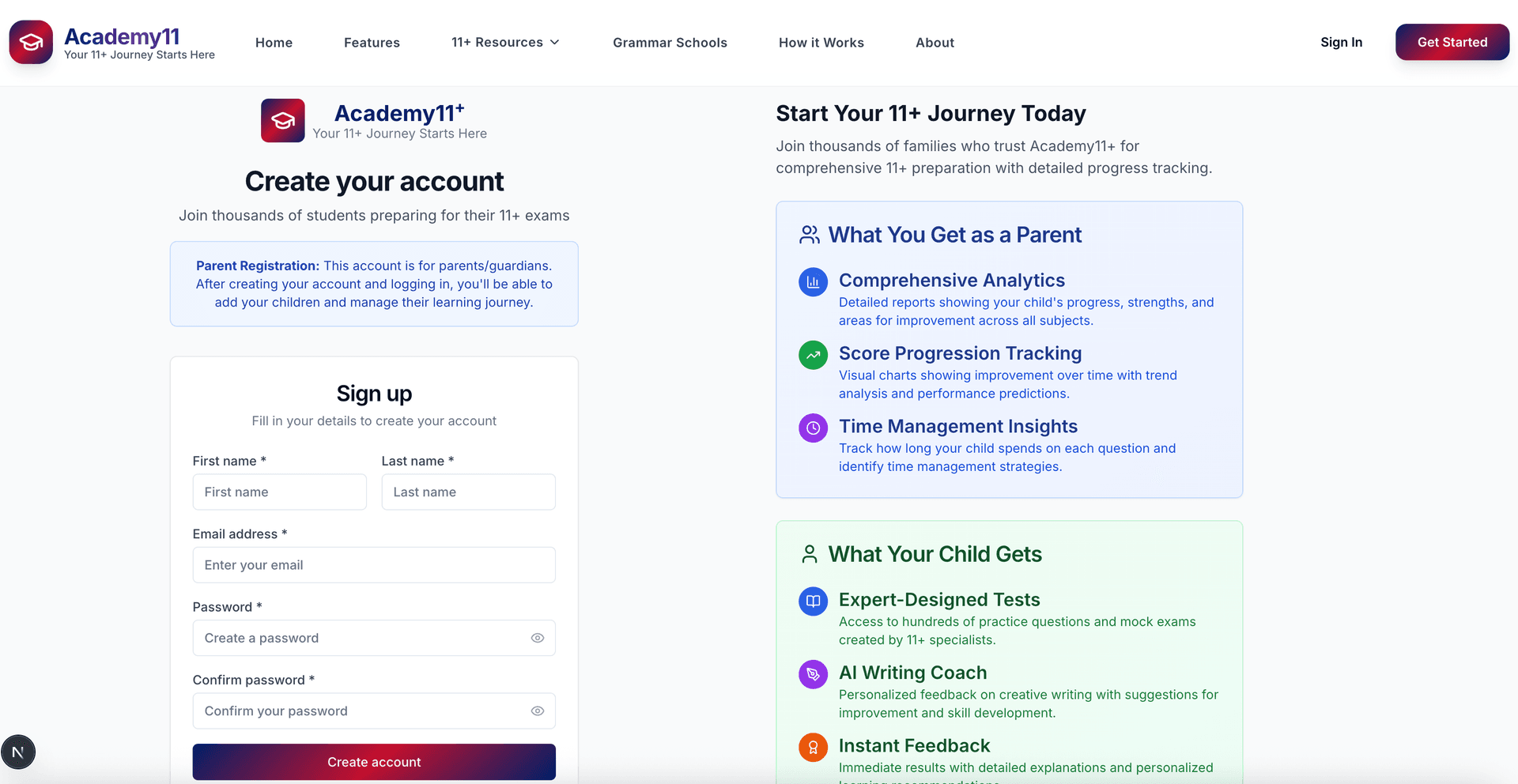
Parent account creation form
Ready to Get Started?
Create your parent account and begin your child's 11+ preparation journey with Academy11+
Start Your 11+ Journey